Do You Really Need a Smart Home Hub, or Just Switches?
By Jim Vernon · 5 min read · Last updated
Most people buying a smart home hub in 2026 don't actually need one yet — until they do, suddenly, all at once.
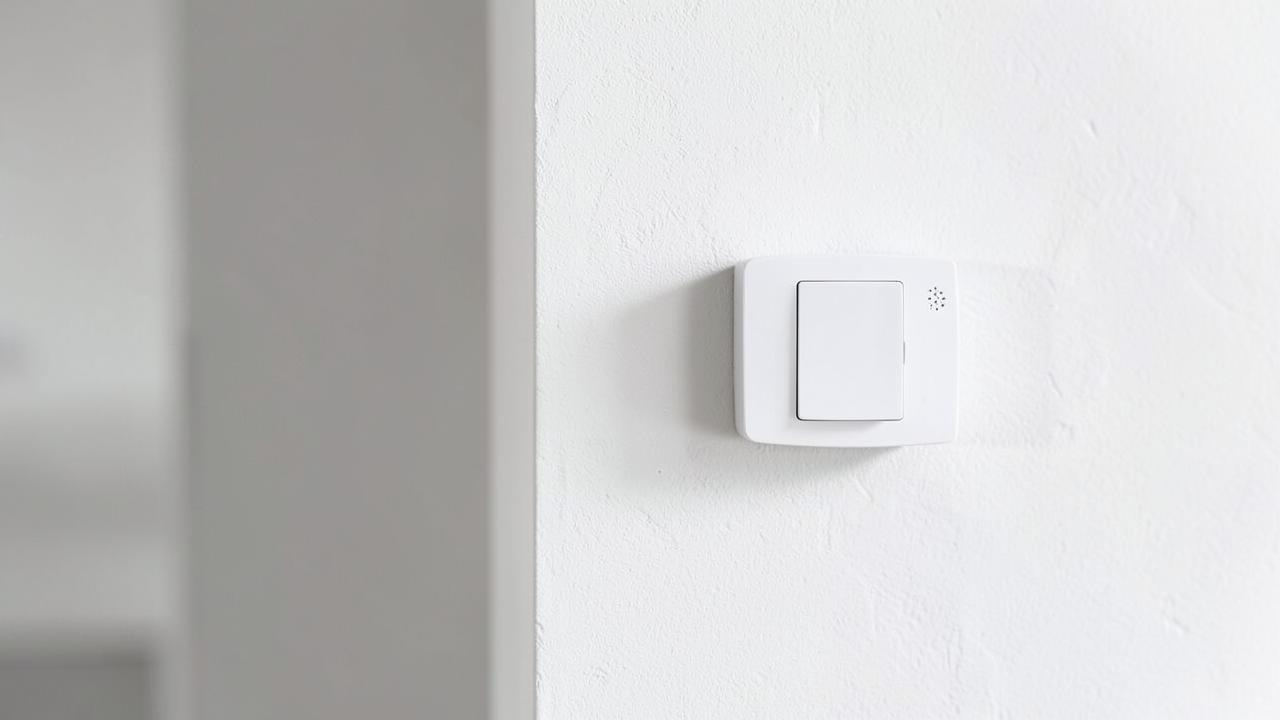
Most Wi-Fi-based smart switches, plugs, and bulbs work directly with a phone app and voice assistant without any separate hub, which is the simplest and cheapest way to start. A hub (Zigbee or Z-Wave based, from brands supporting Matter/Thread) becomes worthwhile once you own 10+ devices, want automations that run instantly and locally instead of round-tripping through the cloud, or want to mix device protocols that don't talk directly to your router.
Wi-Fi versus hub-based protocols: what's the real tradeoff?
| Protocol | Needs a hub? | Typical range/reliability | Best for |
|---|---|---|---|
| Wi-Fi | No | Depends entirely on router strength; can crowd a busy home network | 1-10 devices, simple setups, no interest in a hub |
| Zigbee | Yes | Mesh network, devices relay signal to each other, generally very reliable | Larger installs, battery sensors, low latency |
| Z-Wave | Yes | Mesh network, slightly better range per hop than Zigbee | Security/lock-heavy setups, less Wi-Fi interference |
| Matter/Thread | Sometimes (border router needed for Thread) | Newer standard aiming for cross-brand compatibility | Future-proofing new purchases |
When does a hub start paying off?
- Your Wi-Fi smart switches feel laggy — a second or two delay between tapping the app and the light responding, especially with a shared cloud-dependent brand.
- You want an automation that must be instant and reliable, like a motion sensor turning on a stair light — cloud round-trips over Wi-Fi can add noticeable lag that a local hub avoids.
- You're adding 10 or more smart devices and want them to stop competing for Wi-Fi bandwidth alongside laptops, streaming, and phones.
- You want battery-powered sensors (door, window, motion, leak) that need years of battery life — Zigbee sensors sip far less power than Wi-Fi equivalents.
What's a sensible starter setup with no hub?
A Wi-Fi smart switch on the entry hallway light ($15-25), a couple of smart plugs for lamps ($10-15 each), and a smart thermostat if you don't already have one covers most of the practical benefit — scheduling, remote control, voice control through an existing phone or smart speaker — for under $100 total, with no hub purchase or setup.
Where do smart switches beat smart bulbs?
A smart switch controls the physical circuit at the wall, so any bulb in the fixture works normally even for guests who don't use the app, and it doesn't lose smart function if someone flips the physical switch off (which cuts power to a smart bulb entirely, disconnecting it from Wi-Fi). Smart bulbs make more sense for lamps, accent fixtures, or rentals where you can't or don't want to swap a hardwired switch.
What should you actually budget for a whole-house smart lighting rollout?
A phased approach — entry, living areas, and bedrooms first at $15-30 per switch — typically runs $300-$700 in devices for a modest 3-bedroom home, plus $80-150 for a hub if you add one later. Trying to do the whole house at once with premium hub-based devices can run $1,500-$3,000+, which is rarely necessary before you know which automations you'll actually use daily.
What does a basic hub actually add on top of Wi-Fi devices?
A hub acts as a local translator and traffic controller: it lets Zigbee and Z-Wave devices talk to each other and to your phone app without every command routing through a manufacturer's cloud server, which cuts response lag from roughly 1-3 seconds down to near-instant. It also extends range through mesh networking, where each powered device (like a plug-in outlet) relays signal to the next, letting a signal reach a garage or basement that Wi-Fi alone struggles to cover. The tradeoff is added cost ($80-150 for the hub) and one more device to manage, update, and eventually replace when it reaches end of support.
How do you avoid ending up with an unreliable patchwork system?
- Pick one primary ecosystem (a specific voice assistant or app platform) before buying devices, and check compatibility for every purchase against that platform rather than assuming everything works together.
- Buy one device, live with it for a couple of weeks, and confirm it's reliable before buying five more of the same type — a single bad batch or a hidden compatibility issue is cheaper to catch early.
- Keep a paper or notes-app inventory of what's installed where, including model numbers, since troubleshooting six months later without records wastes real time.
- Prioritize devices with Matter support for new purchases, since it reduces the risk of ecosystem lock-in as voice assistants and platforms evolve.
Do smart switches work in three-way and multi-switch setups?
Yes, but most brands need a matched pair — one primary smart switch and one companion (add-on) switch wired together — rather than two independent smart switches, since a standard 3-way circuit uses traveler wires that a lone smart switch can't interpret correctly on its own. Check the product listing specifically for 3-way or 4-way compatibility and buy the matching companion switch rather than assuming any two smart switches from the same brand will work together in that configuration.
Frequently asked questions
Will my smart switches stop working if the internet goes down?
Wi-Fi smart switches typically lose remote/app and voice control during an outage but usually still work as a normal physical switch. Hub-based Zigbee or Z-Wave systems with local automation processing can often keep running scheduled automations even without internet, which is one of their main advantages.
Can I mix brands of smart switches in the same house?
Yes, as long as they're all compatible with the same voice assistant or app ecosystem (or all support Matter, the newer cross-brand standard). Mixing brands within the same protocol type generally works fine; problems arise more from mixing incompatible ecosystems than from mixing brands.
Is a smart hub a security risk?
Any internet-connected device carries some risk, but reputable hub brands with regular firmware updates and local processing are generally considered safer than cheap no-name Wi-Fi devices with weak cloud security. Use strong unique passwords, keep firmware updated, and put smart devices on a separate guest or IoT Wi-Fi network if your router supports it.
Run the numbers for your own project
- Energy Savings CalculatorWill this upgrade pay for itself?
- Appliance Running Cost CalculatorHow much does this appliance cost to run?
Keep reading
- How Much Paint Do You Actually Need for a Room?The tin says 400 square feet. Your wall says otherwise. Here is the arithmetic that actually holds up.
- DIY or Hire a Pro? A Decision Framework That Is Not About MoneyThe labour saving is real. So is the cost of a job done twice — and of tools you use once.
- Storage for Small Rooms That Does Not Make Them SmallerSmall rooms do not need more storage. They need storage that stops interrupting the eye.